 ChatGrab
ChatGPT · Claude · Gemini
Save any AI chat as a clean file
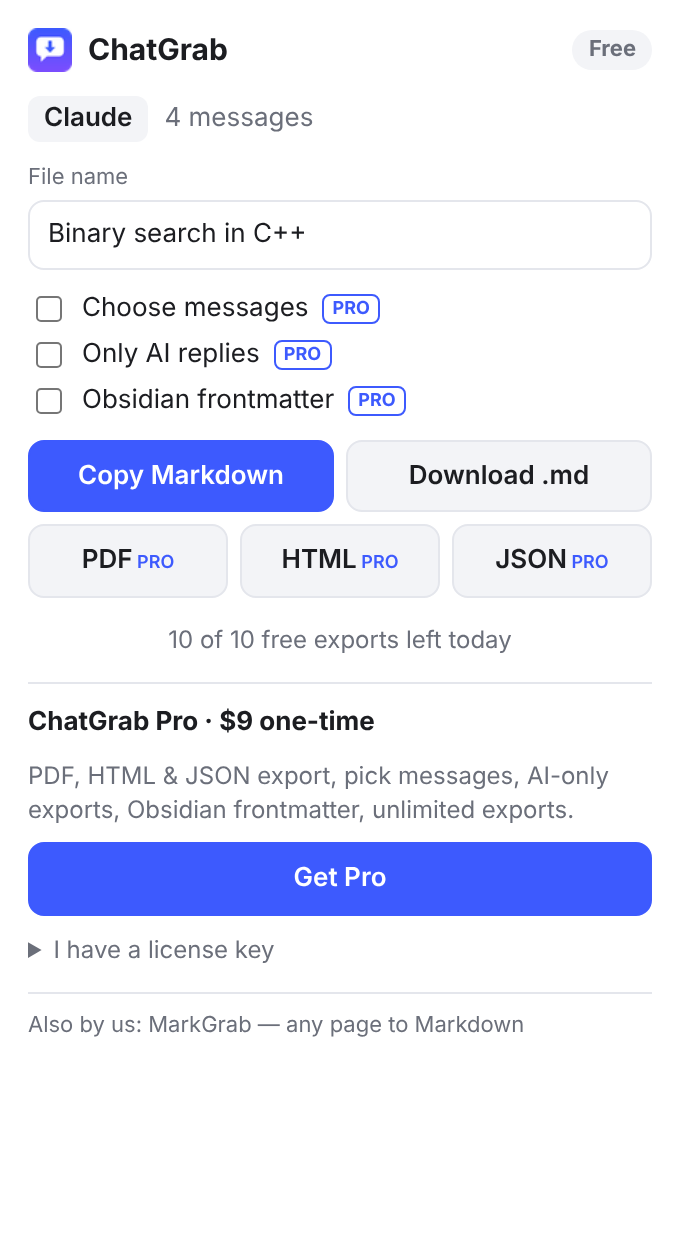
ChatGrab exports the conversation you have open to Markdown, PDF, HTML or JSON. Code blocks keep their language, tables stay tables, and math stays LaTeX.
No account. Your chats never leave your browser.
Markdown that's ready for your notes
Drop exports straight into Obsidian, Notion, VS Code or a GitHub repo. Your questions and the AI's answers are clearly marked, with the chat title and a link back to the original.
# Binary search in C++

*Exported from Claude on November 9, 2026*

---

### You

How do I write binary search in C++?

---

### Claude

Here is a clean **iterative** version. Complexity is $O(\log n)$.

```cpp
int bs(const std::vector<int>& a, int x) {
  int lo = 0, hi = (int)a.size() - 1;
  ...
}
```

| Case | Result |
| --- | --- |
| found | index |
| missing | -1 |
Free to use. Pro is a one-time $9.
Free
$0
- Copy as Markdown
- Download .md files
- ChatGPT, Claude and Gemini
- 10 exports a day
Pro
$9 once, no subscription
- PDF, HTML and JSON export
- Choose which messages to export
- Export only the AI's replies
- Obsidian frontmatter (title, source, URL, date, tags)
- Unlimited exports
Buy Pro from inside the extension. You get a license key by email and paste it into ChatGrab.
Guides
How to export a ChatGPT conversation (Markdown, PDF and more)
Five ways to save a ChatGPT chat, from the built-in data export to one-click Markdown and PDF, and which one to use when.
How to save Claude and Gemini chats to Obsidian
Keep your best Claude and Gemini conversations as searchable Markdown notes, with code blocks, tables and math intact.